How to Rank Your Restaurant #1 on Google Maps & Local Search
A step-by-step local SEO playbook for restaurants. Learn how Schema.org menu markup, custom domain websites, and automated reviews drive organic local foot traffic.
Published 2026-07-15
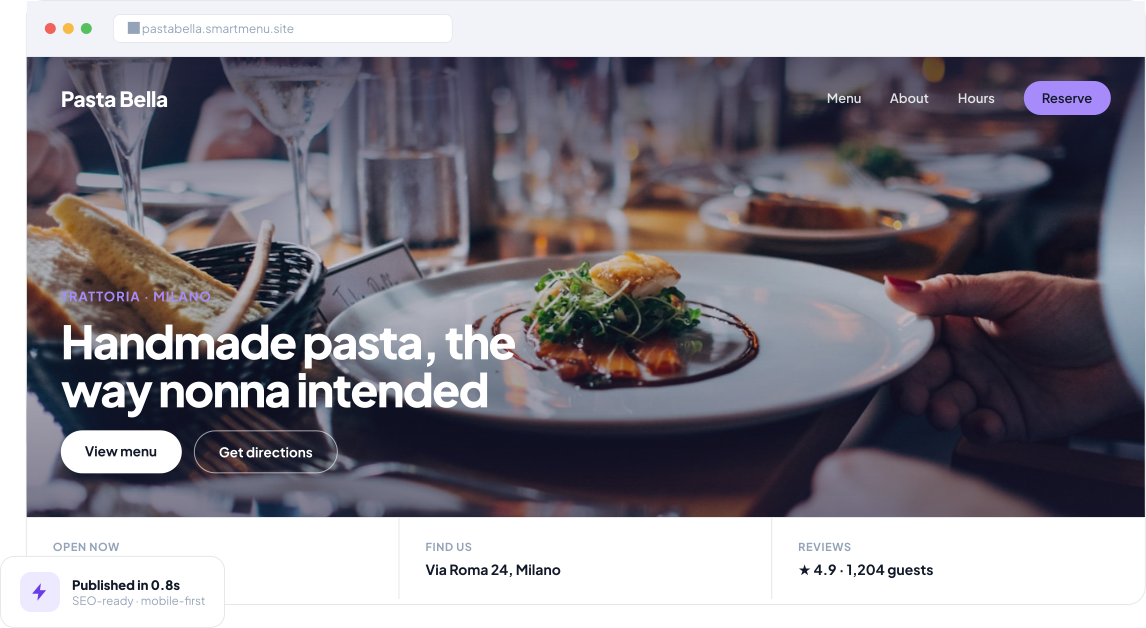
Capturing 'Near Me' Search Intent
When hungry guests search for *"best Italian restaurant near me"* or *"cocktail lounge open now"*, Google evaluates three core factors: Relevance, Distance, and Prominence.
1. Implement Official Schema.org Restaurant & Menu Markup
Google needs structured data to understand your menu items, opening hours, address, and price ranges.
SmartMenu automatically embeds official Schema.org/Restaurant and Schema.org/Menu microdata into your restaurant website header, allowing Google to display rich menu snippets directly in search result pages.
2. Connect Your Own Custom Domain Name
Subdomains on third-party food delivery apps do not build long-term domain authority for your brand. Connecting a dedicated custom domain (e.g. `www.yourrestaurant.com`) signals authority to Google and ensures you own your guest traffic.
3. Keep Operating Hours & Holidays Updated Live
Google penalizes businesses that list inaccurate operating hours. Syncing your operating hours and holiday closures across your website and Google Business Profile builds search trust.
Related Articles
10 Key Benefits of a Digital Menu for Restaurants
Explore the top 10 benefits of a digital menu for restaurants, from instant price updates and lower printing costs to better branding and multi-location menu management.
Digital Menu for Restaurants: How QR Code Menus Simplify Menu Management and Improve Dining
Learn how a digital menu for restaurants works, why restaurants are switching to QR code menus, and what to look for when choosing a digital menu platform.
Ready to put these strategies into practice?
Launch your digital menu and automated website in 15 minutes. Free 14-day trial, no credit card required.